Project Neura
MIP Candy
A candy for medical image processing

Next-generation infrastructure for fast prototyping in machine learning.

MIP Candy brings ready-to-use training, inference, and evaluation pipelines together with aesthetics, so you can focus on your experiments, not boilerplate.

PyPI GitHub release PyPI downloads GitHub stars
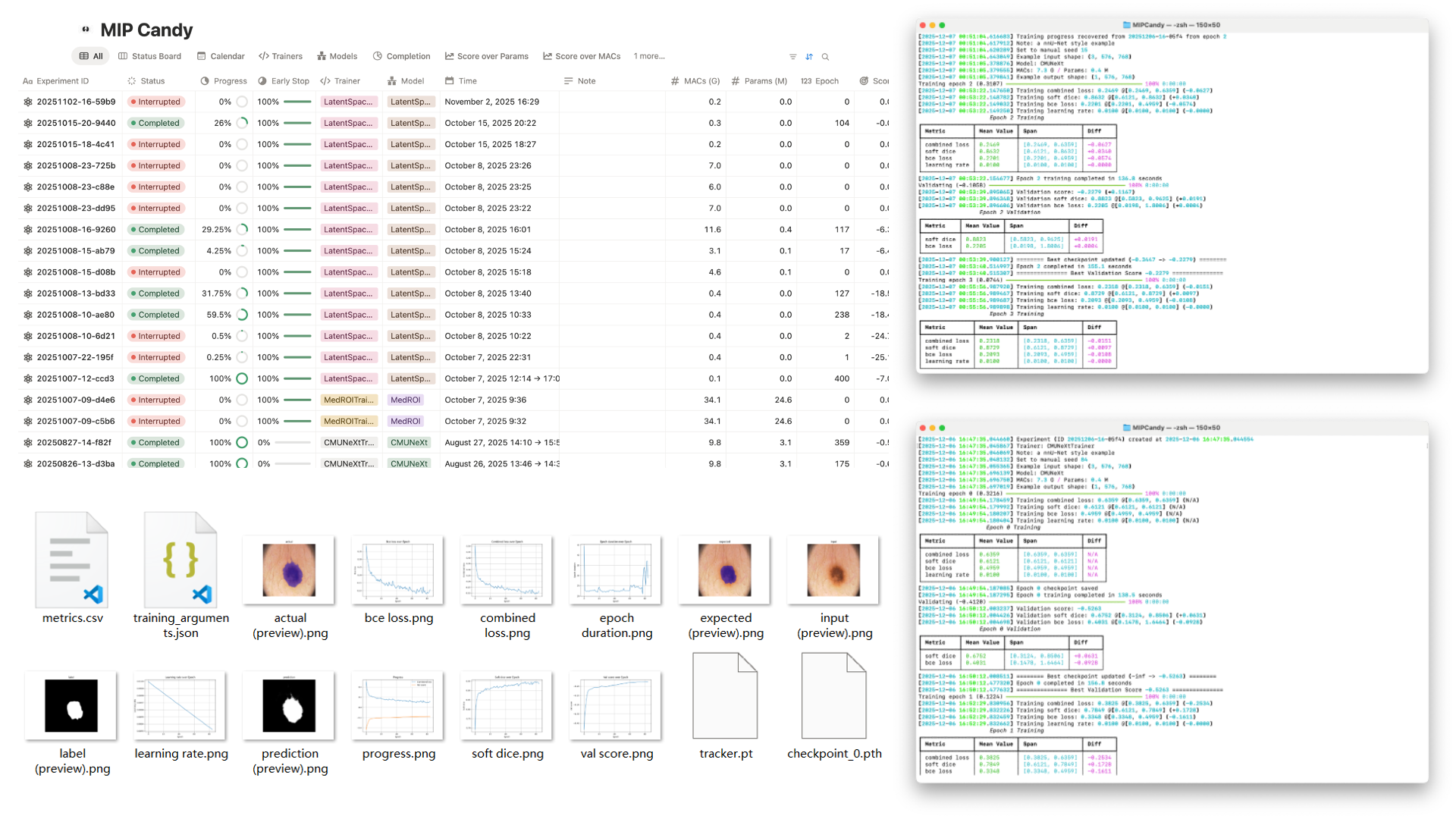
MIP Candy overview poster

Trusted by

MIP Candy powers research across top institutions.

Key features

Designed for modern medical image research pipelines.

Trainer
Thoughtful console logs

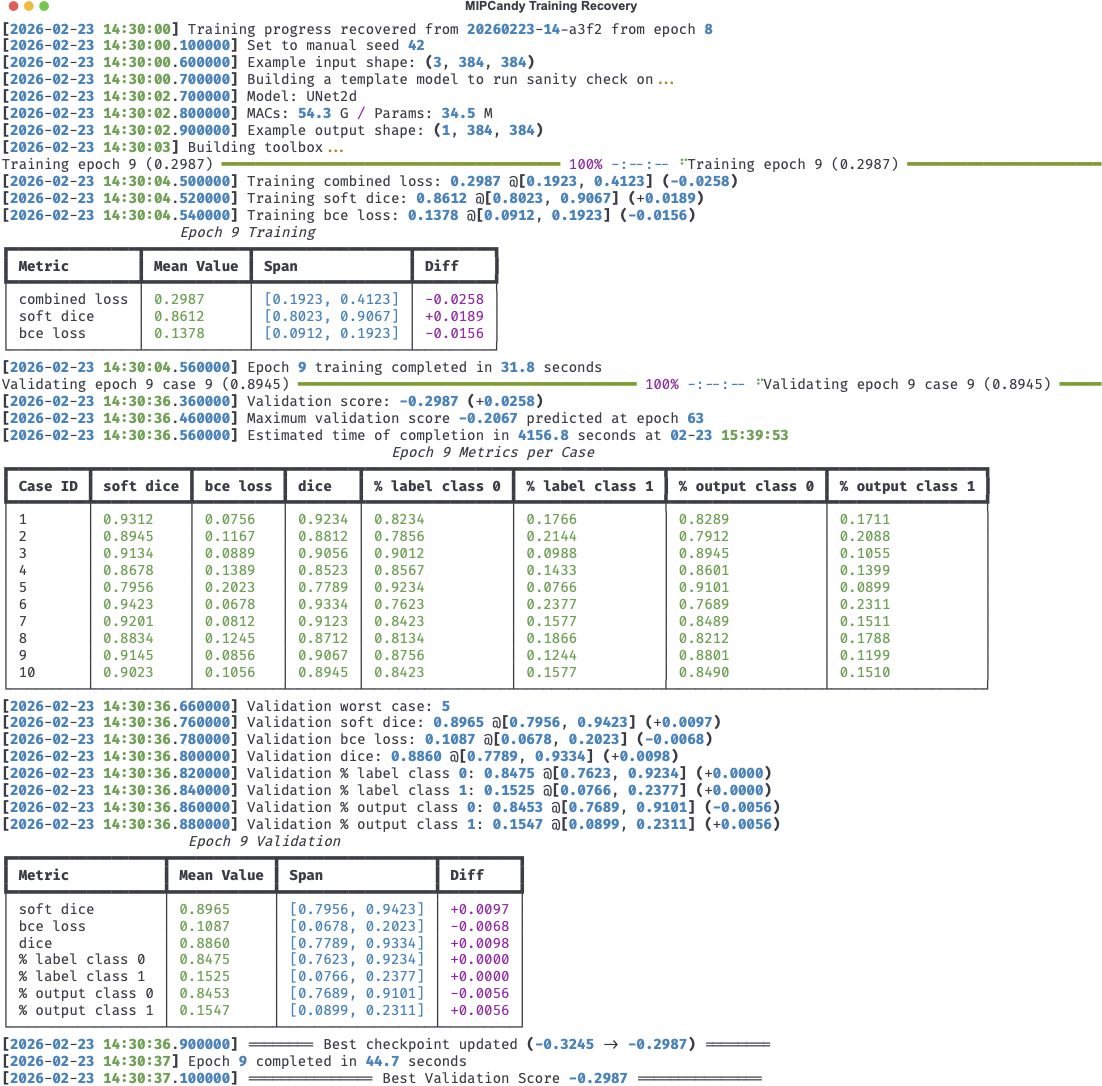
We carefully designed the console outputs to be informative and actionable, providing insights into model performance and training progress. Not only scalar metrics are printed, we also track their trends over epochs and show per-case validation metrics.

console outputs
Trainer
Built-in overlaid previews

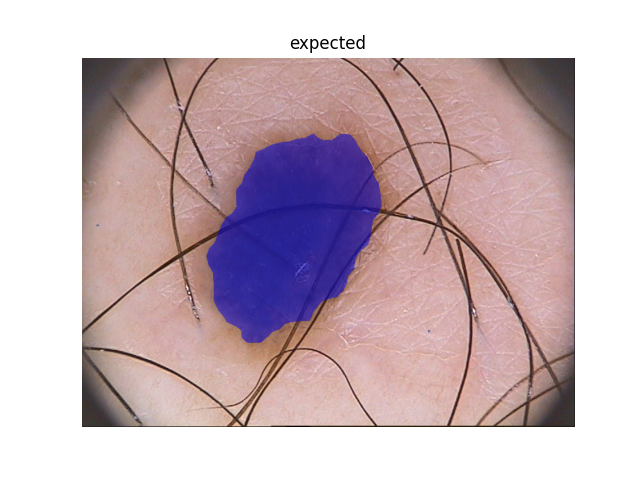
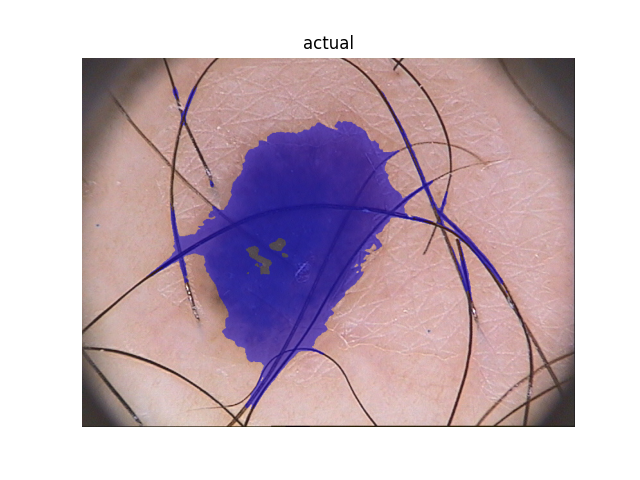
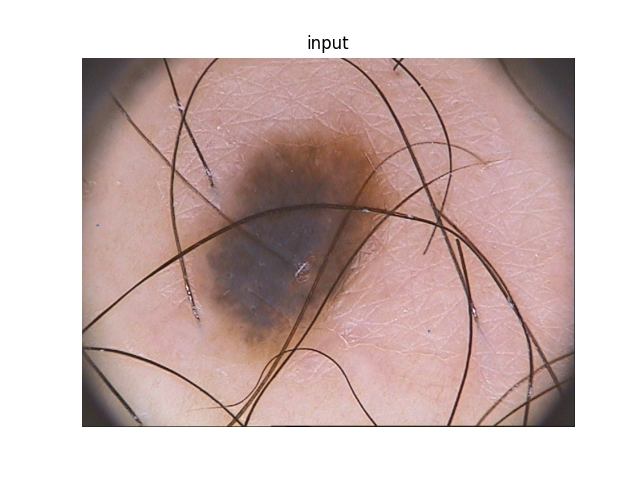
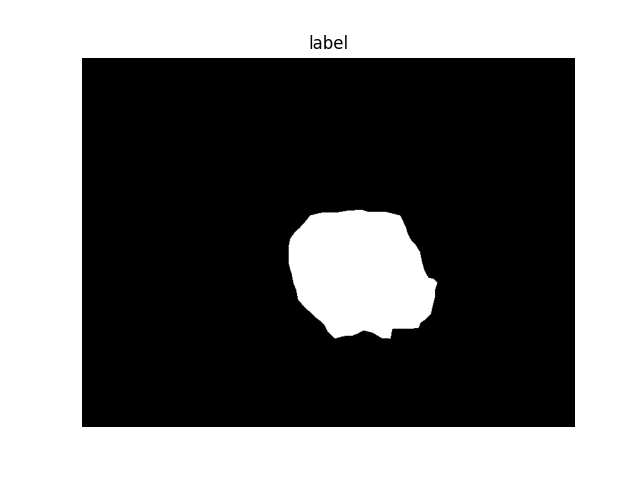
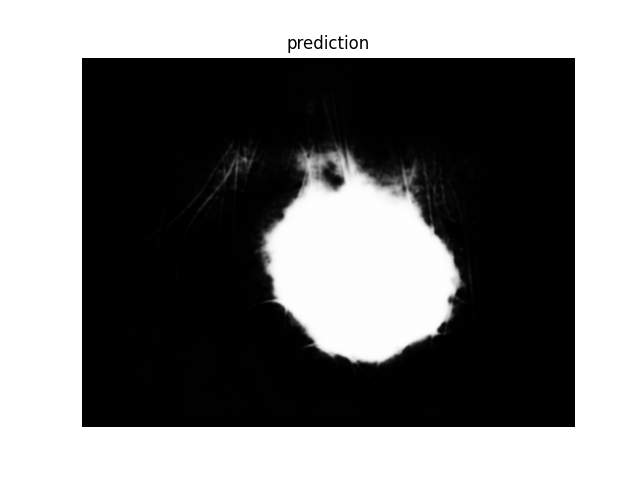
Sometimes even when all metrics seem perfect, the model can still be misleading. MIP Candy does its best to help you "see" the model's performance by providing powerful built-in visualization utilities.

expected
actual
input
label
output
Trainer
3D rendering

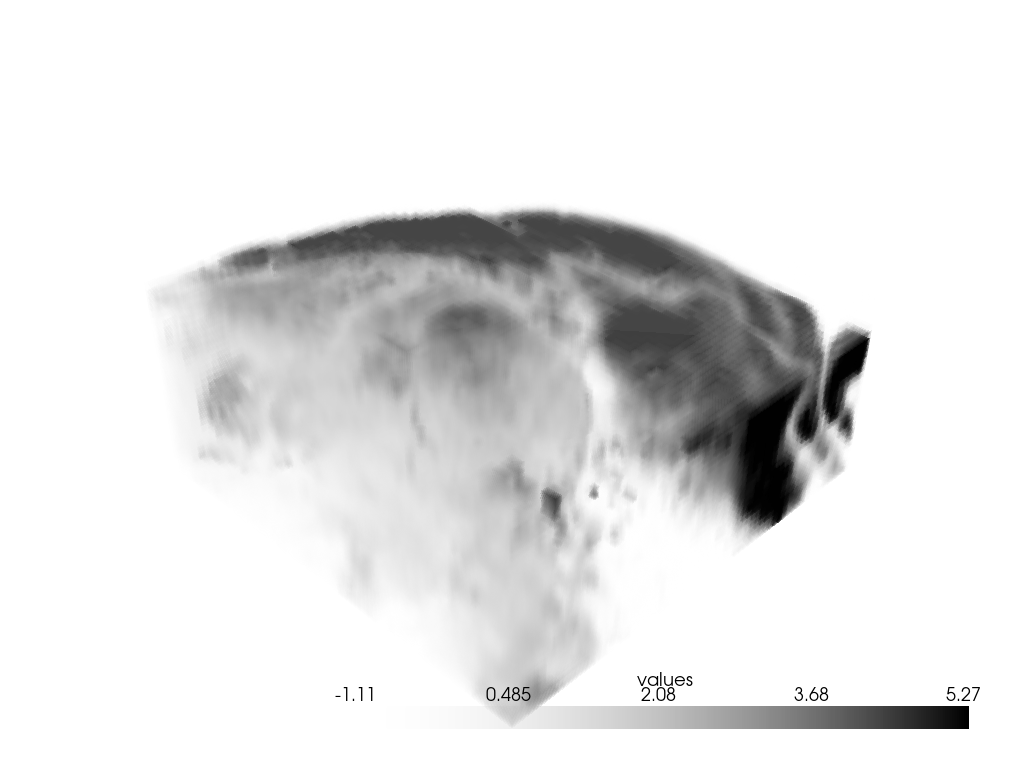
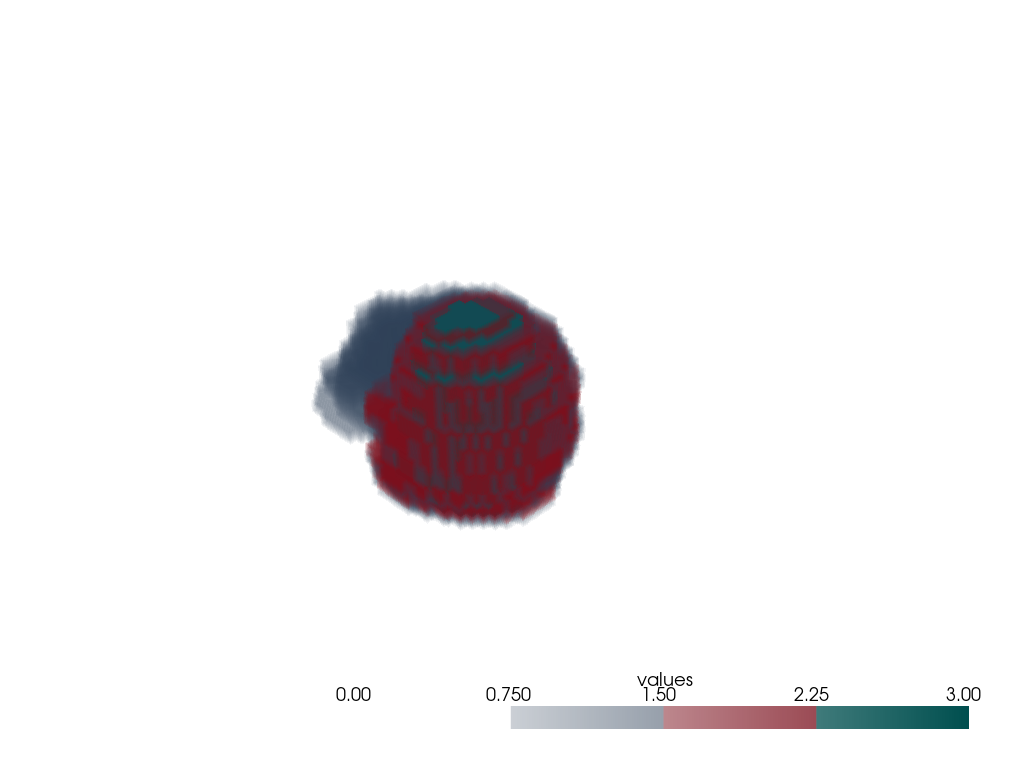
Visualizing 3D volumes, which are widespread in medical imaging and other 3D data analysis tasks, can be challenging. MIP Candy provides simple and intuitive 3D visualization interfaces that allow you to visualize 3D volumes in a user-friendly manner. These methods are well sculpted to ensure negligible overhead added to the training process.

input
label
Trainer
Mertics plotting

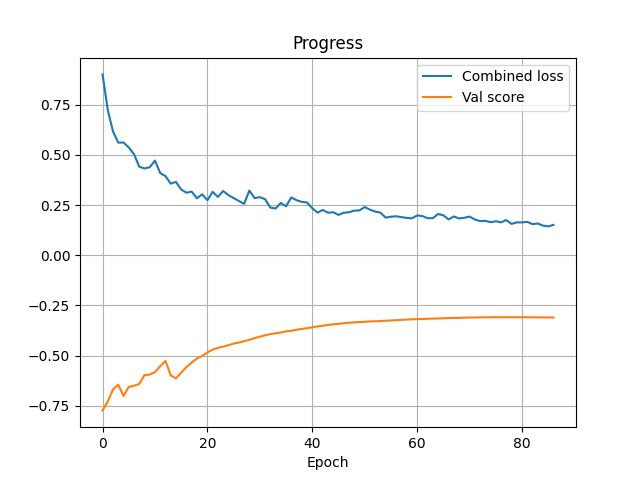
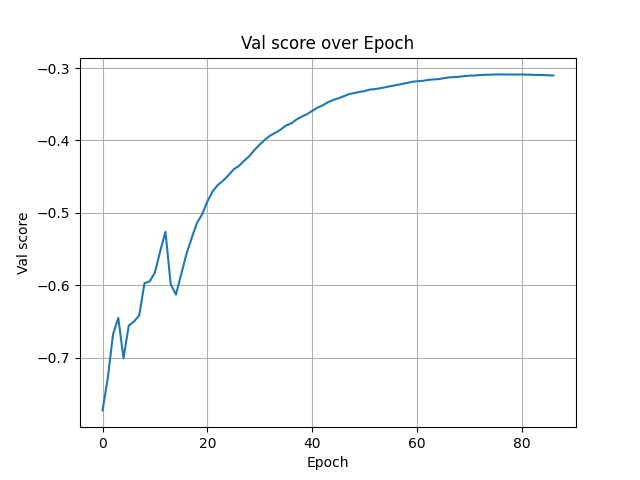
Everything saved into metrics will be automatically plotted and saved into the trainer folder.

progress
val score
Dashboard
Ready for remote monitoring

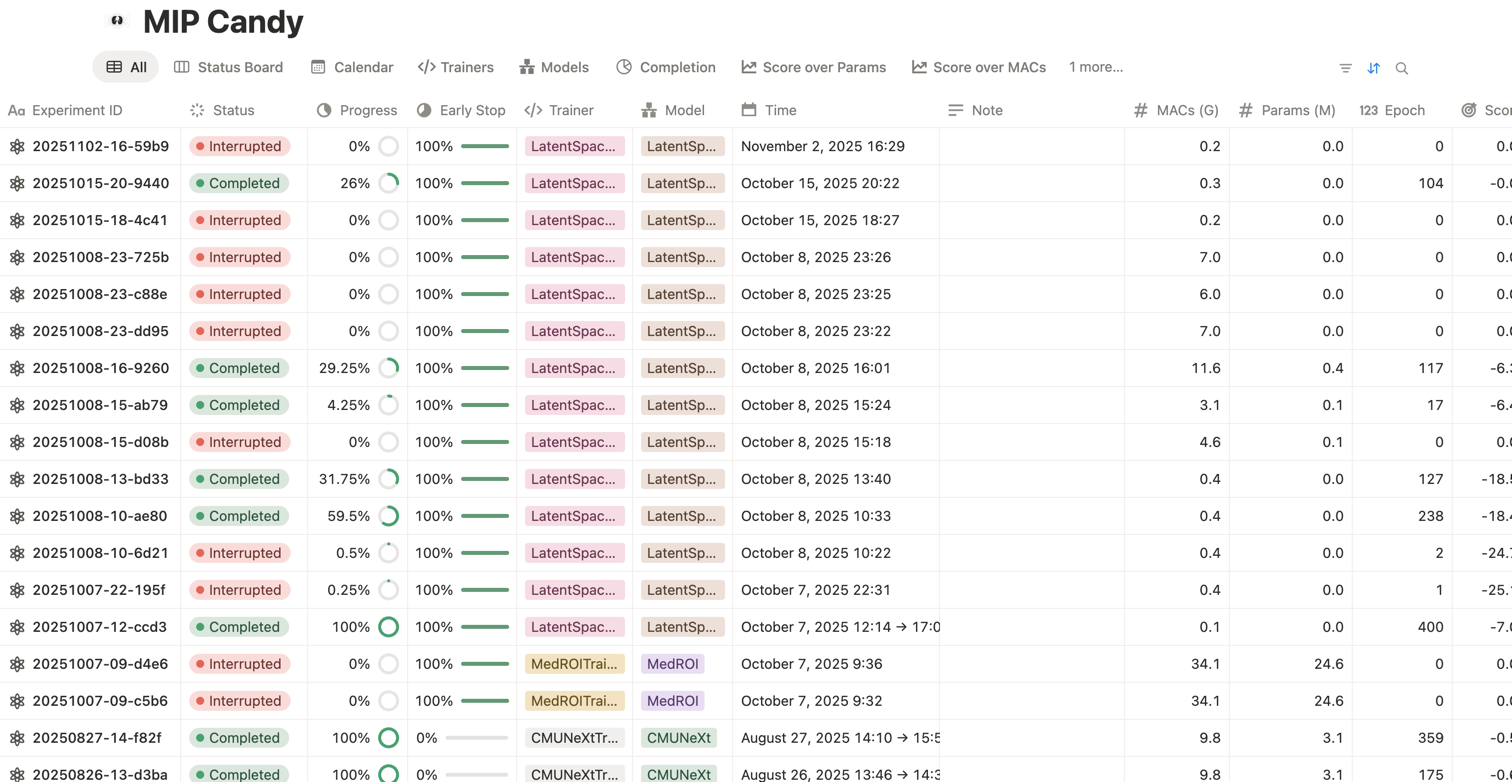
Connect to Notion, Weights & Biases, and TensorBoard for rich experiment tracking and sharing with your team.

Notion dashboard
Profiler
Easy profiling

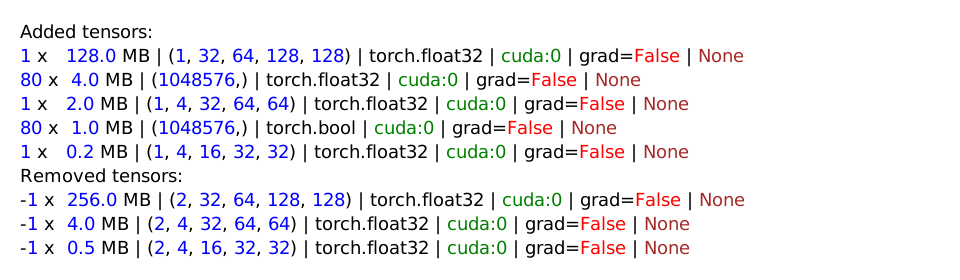
As pipelines grow bigger and bigger, memory leakage and computational overhead become invisible problems. Our built-in profiler helps you investigate into sub-epoch level loggings to find the culprit.

profiler
Custom trainers

Adapt a new network in one method.

Start from SegmentationTrainer and only implement the network construction. MIP Candy handles data flow, loss computation, augmentation, checkpointing, and evaluation out of the box. Learn all you can do in MIP Candy Docs.

Example: custom model integration
from typing import override
from torch import nn
from mipcandy import SegmentationTrainer


class MyTrainer(SegmentationTrainer):
    @override
    def build_network(self, example_shape: tuple[int, ...]) -> nn.Module:
        ...
Provide your architecture once. MIP Candy takes care of the entire training pipeline.

Live Notion dashboard

Explore an interactive MIP Candy frontend demo directly in Notion.

Quick start

Train like a Pro in a few lines

Download a dataset, create a dataset wrapper, and hand it to a trainer. Below is an example using the ACDC dataset. The example code to the right replicates most of nnU-Net's features but without augmentations.

Example: train on the ACDC dataset
from typing import override
from os.path import exists

from monai.networks.nets import DynUNet
from torch import nn
from torch.utils.data import DataLoader

from mipcandy import SegmentationTrainer, AmbiguousShape, auto_device, download_dataset, NNUNetDataset, inspect, \
    load_inspection_annotations, RandomROIDataset


class UNetTrainer(SegmentationTrainer):
    @override
    def build_network(self, example_shape: AmbiguousShape) -> nn.Module:
        kernel_size = [[3, 3, 3]] * 5
        strides = [[1, 1, 1]] + [[2, 2, 2]] * 4
        return DynUNet(spatial_dims=3, in_channels=example_shape[0], out_channels=self.num_classes,
                       kernel_size=kernel_size, strides=strides, upsample_kernel_size=strides,
                       deep_supervision=self.deep_supervision, deep_supr_num=2, res_block=True)


if __name__ == "__main__":
    device = auto_device()
    download_dataset("nnunet_datasets/ACDC", "tutorial/datasets/ACDC")
    dataset = NNUNetDataset("tutorial/datasets/ACDC", align_spacing=True)
    if exists("tutorial/datasets/ACDC/annotations.json"):
        annotations = load_inspection_annotations("tutorial/datasets/ACDC/annotations.json", dataset)
    else:
        dataset.device(device=device)
        annotations = inspect(dataset)
        dataset.device(device="cpu")
        annotations.save("tutorial/datasets/ACDC/annotations.json")
    dataset = RandomROIDataset(annotations, 2)
    train, val = dataset.fold()
    train_loader = DataLoader(train, 2, True, num_workers=2, prefetch_factor=2, persistent_workers=True)
    val_loader = DataLoader(val, 1, False)
    trainer = UNetTrainer("tutorial", train_loader, val_loader, device=device)
    trainer.train(1000, note="example with the ACDC dataset")

Installation

Install MIP Candy

MIP Candy requires Python ≥ 3.12. Install the standard bundle from PyPI:

$ pip install "mipcandy[standard]"
Stand on the Giants

Install MIP Candy Bundles

MIP Candy Bundles provide verified model architectures with corresponding trainers and predictors. You can install it along with MIP Candy.

$ pip install "mipcandy[all]"